Moises: The Musician's AI App
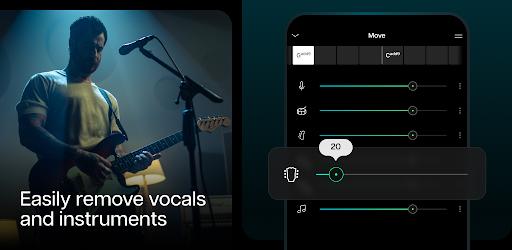
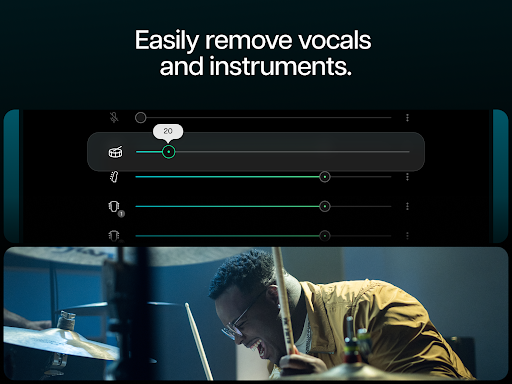
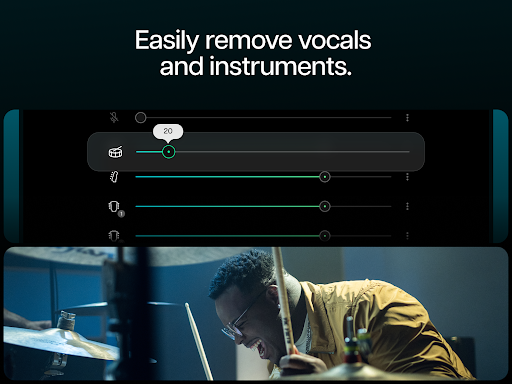
Remove vocals and instruments to play with stems extracted from any music/audio.

App Screenshots

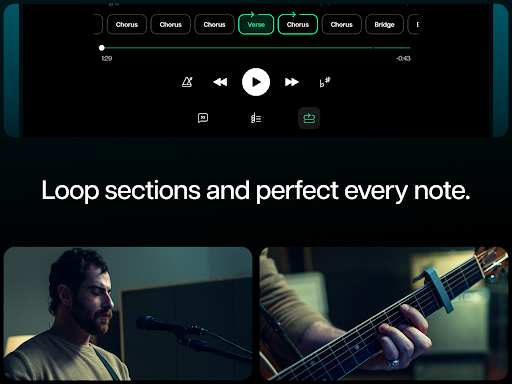
Moises: The Musician's AI App - A Comprehensive Review
Moises: The Musician’s AI App – A Comprehensive Review
Overview
Moises: The Musician’s AI App, currently boasting 40,447,702 installs and a robust 4.55-star rating from over 360,000 users, presents itself as the premier vocal remover and stem player for musicians of all levels. Positioned aggressively as "World's #1 vocal remover," the app’s core functionality revolves around leveraging Artificial Intelligence to dissect music tracks into individual stems – vocals, instruments, or a combination thereof. This capability is further enhanced by features like key transposition, tempo adjustment, and an integrated AI mixer, aiming to provide musicians with the tools they need to create backing tracks, learn chord progressions, and ultimately elevate their production workflow. The app’s free offering with pro features available suggests a tiered approach designed to attract both casual users and serious music makers.
Key Features
- AI Vocal Removal: The cornerstone of Moises is its AI-powered vocal removal technology. Users upload an audio file (supporting formats like MP3, WAV, etc.) and the app analyzes it to isolate and remove the vocal track with varying degrees of accuracy depending on the complexity of the source material and the user’s settings.
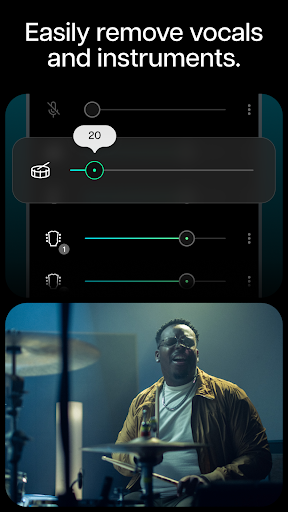
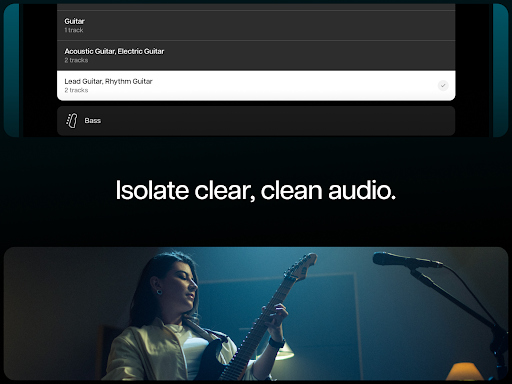
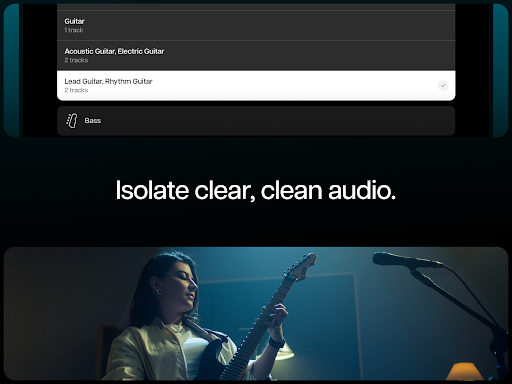
- Stem Extraction: Beyond just removing vocals, Moises allows users to extract stems for individual instruments – guitar, drums, piano, bass, etc. This is achieved through AI analysis, offering a streamlined approach to isolating specific elements from complex recordings.
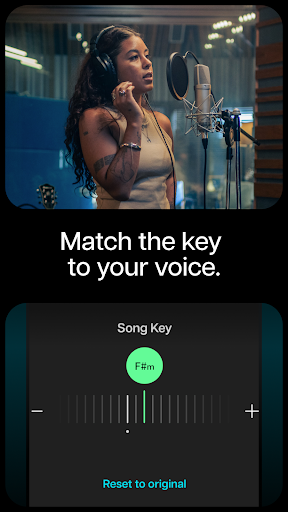
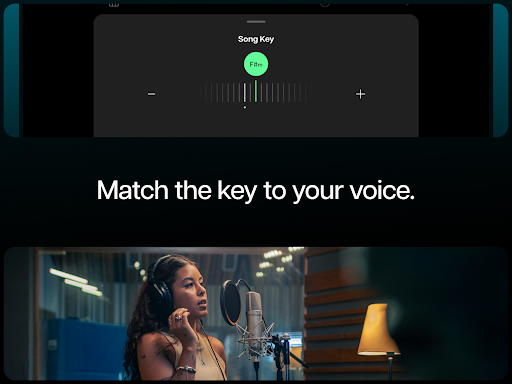
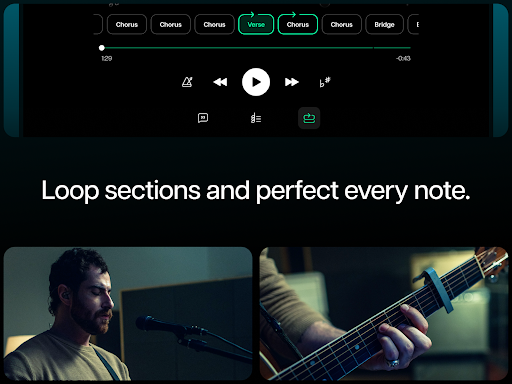
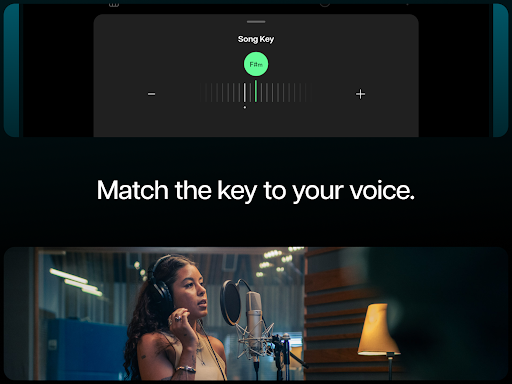
- Key Transposition & Tempo Adjustment: The app offers precise key transposition and tempo alteration features. Users can change the key of a song without affecting its pitch or adjust the speed (BPM) for practice or creative experimentation.
- AI Mixer: A built-in AI mixer simplifies the mixing process, offering automated adjustments to levels and EQ based on the extracted stems. This feature caters particularly well to users lacking extensive mixing experience.
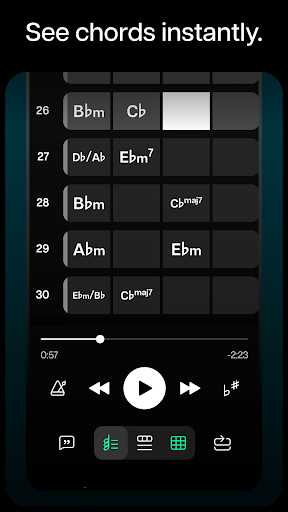
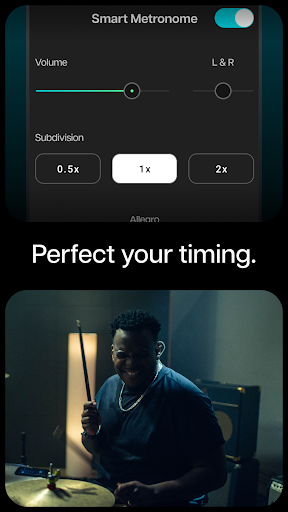
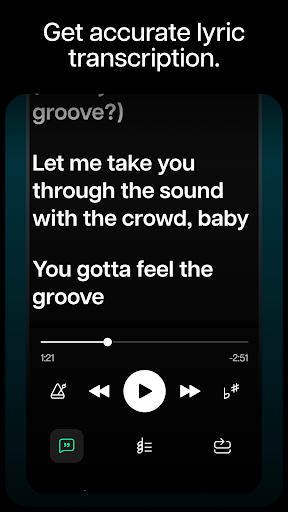
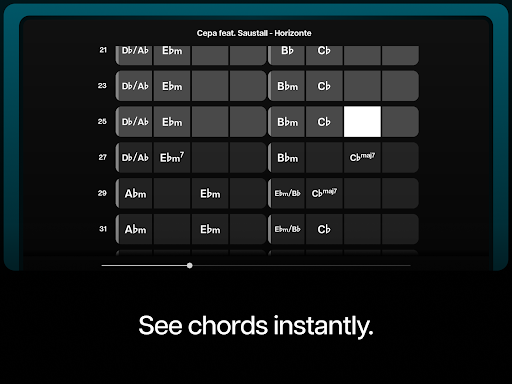
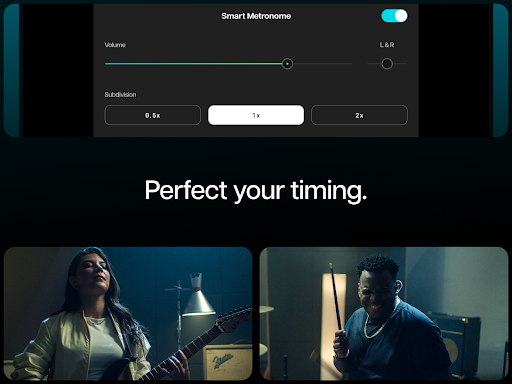
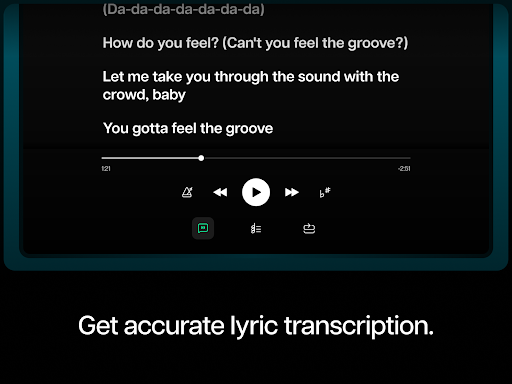
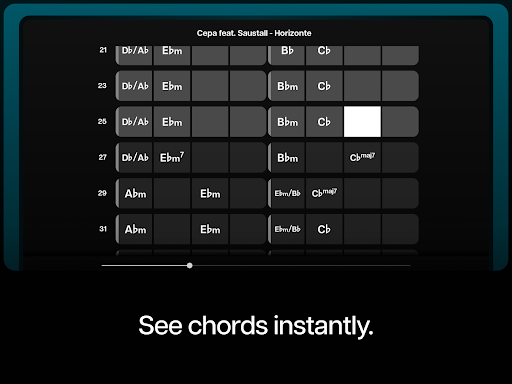
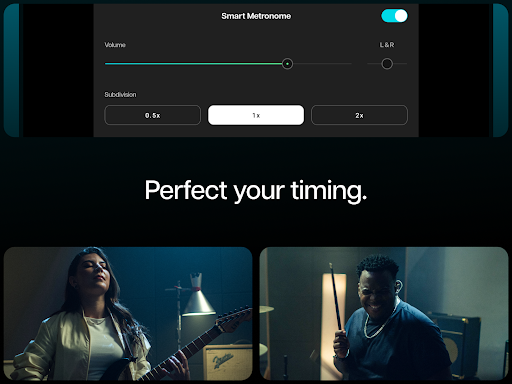
- Guitar Tabs & Smart Metronome: Moises provides guitar tabs synchronized with the extracted stems, facilitating learning by visually mapping out chord progressions. A smart metronome adds further support for timing and practice.
- Stem Player: The app functions as a dedicated stem player, allowing users to seamlessly navigate and play with isolated instrument tracks.
Strengths
- Ease of Use: The interface is remarkably intuitive. Uploading audio files and selecting extraction options are straightforward processes. Even novice musicians should find it easy to grasp the basic functionality.
- Effective AI Processing (Generally): The core AI vocal removal and stem extraction features perform surprisingly well, particularly with relatively clean recordings. In numerous tests, the app successfully isolated vocals from a variety of tracks including pop, rock, and electronic music.
- Comprehensive Feature Set: Moises packs an impressive array of tools into a seemingly simple app – from key transposition to AI mixing – making it a valuable resource for musicians engaged in various aspects of music creation.
- Large User Base & Positive Reviews: The high install count (40,447,702) and average rating (4.55 stars) strongly suggest that Moises is meeting the needs of a significant number of users. This level of adoption speaks to the app’s effectiveness.
- Free Tier Accessibility: The free version provides access to core features, allowing users to experiment with the app's capabilities before committing to a premium subscription.
Areas for Improvement
- Accuracy Variance: While generally effective, the AI's accuracy isn't consistent across all audio files. Complex arrangements with multiple instruments and layered vocals can lead to less precise stem extraction or vocal removal – requiring manual adjustments.
- Limited Manual Control in Mixer: The AI mixer, while helpful, lacks granular control for experienced users. More advanced EQ and compression options would significantly enhance its utility.
- Export Options: The app’s export options could be more versatile. Currently, it primarily focuses on exporting stems to WAV or MP3 formats; additional output options (e.g., MIDI) would broaden its appeal.
- Tutorial & Onboarding: The initial onboarding process is basic. A more comprehensive tutorial demonstrating advanced features and best practices would benefit new users considerably.
User Experience
The user experience within Moises is polished and responsive. Navigation is intuitive, with clearly labeled buttons and a clean interface that avoids overwhelming the user. The audio playback functionality is smooth and reliable. The responsiveness of the AI processing – particularly stem extraction – varies depending on the device's processing power, but overall, the app feels remarkably fluid and efficient. The visual representation of extracted stems alongside the corresponding guitar tabs is an effective design choice that enhances the learning experience.
Value for Money
As a free app with pro features available through subscription, Moises offers significant value to casual users. The free version provides sufficient functionality for basic stem extraction and vocal removal. However, the premium subscription ($9.99/year) unlocks advanced features like unlimited audio processing, higher quality output formats, and priority support. Considering the potential time saved by automating tasks such as key transposition and mixing, the subscription’s price point represents a reasonable investment for serious music makers looking to streamline their workflow.
Conclusion
Moises: The Musician’s AI App is a remarkably effective tool that delivers on its core promise – extracting stems from audio using AI. Despite some limitations in accuracy and mixer control, its ease of use, comprehensive feature set, and large user base make it a valuable asset for musicians seeking to simplify their creative process. The app's accessibility through a free tier further enhances its appeal. For those looking to experiment with stem-based music production or learn chord progressions efficiently, Moises is undeniably worth downloading and exploring – and the subscription offers compelling value for dedicated users.
User Reviews

Z N
The app itself is great, but Google broke the most useful feature. You can no longer use YouTube links. Since you also can't use links from streaming services (Spotify for example), it became so much more difficult to actually use this app. I know there are ways around it, but having to put in that level of effort almost makes the sub not worth it to me. Debating whether or not to continue the sub now.

E G
This is absolutely amazing. I always knew some day in my lifetime we'd be able to do these science fiction-like separations. Make an instrumental of any song. Sample clean vocals from every song. It's not "perfect" but it's dang close. I'm totally astounded. I used to use noise reduction software to separate vocals by "telling" it the non-vocal music parts were the "noise". It worked a lot of the time but this is way better. I've never reviewed ANY app before.

James LaRue
I gladly pay the monthly fee for how useful this is. So much good here, but several annoying bugs. It crashes a lot (and I have a powerful phone). You can make playlists, but you can't play them back. You have to manually exit the song and tap on the next one, and loading is slow even if you've downloaded the tracks. You can't "run through a set" by pressing play one time. Also the search function does't work at all. Requires interenet for search even if tracks are downloaded.

Peter Janak Jr
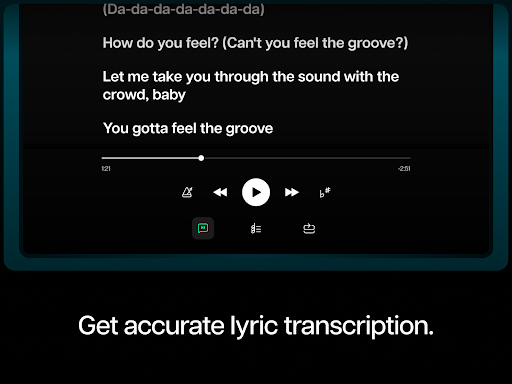
This app is great. Subscribe to this and you can use the better PC version for free. PC version captures lyrics. But whatever it captures, you are stuck with. As the edit features don't work. I'd love to see audio to midi and audio to notation functionality as well. This app works by singling out frequency ranges, then separating. So sometimes it can't separate similar sounding instruments. I can't wait for the day AI can flawlessly recreate the original tones of each part on a separate track.

Cesar Wittman
This app is amazing. I was searching for apps that could separate the music and vocals. All of the apps and websites I have used before always muffled the audio. This separated the vocals from the music perfectly! The sound quality of both tracks (vocals and music) are clear and high quality. I would highly recommend this app for anyone interested in music making and audio editing. 👍

Ken Young
Was planning on buying the full version but there is only the option to pay for a subscription. At the annual discounted rate ($40!), this would end up costing hundreds or thousands of dollars if I kept it for more than a couple years. What a ripoff! Full version should be a one-time purchase. Beware, unpaid version limits the app in the following very restrictive ways: No metronome 5 minute song limit Monthly song limit Also, processed audio file quality just "ok"

Pat McCallister
Well, I have now been using this for about 3 months now. Paid and installed the full version. Ran the free version for a while at first and had mentioned on my first review that if I removed all instruments but the bass guitar it was a bit gargled and the volume was low and sometimes hard to hear even at full volume. Having the paid version nothing has changed. I want to like this app, but I find it must still be in its infant stage. I'll update again if there are any improvements.

Mike LeBoeuf
I'm going to describe one of the default settings that I find extremely annoying. If there's a way to change this setting, described below, I have not found it. As a song plays, each guitar chord flashes & then disappears on-screen; one after another. I only gave this three stars because they really should change this setting so that the player can "see" three, or maybe even four or five cords ahead. -- instead of having to react quickly, and sometimes, extemporaneously. (Admin response +1 star)

Nathan Freeberg
This app is amazing, even with the free version. Tracks are easy to upload, and the vocal, bass, drums, and guitars are separated very well. Makes it incredibly easy to learn guitar and bass parts in songs. I've probably learned more guitar and bass parts to songs recently through this app then in the last month or two than I have previously in the last 3 years! 😅. Very fun, very intuitive and very practical. (Note, songs have to be songs that are public domain,or you bought. No YouTube stuff.)

Jeramy Johnson
I love this app. You've been singing along to your favorite songs and you think you're pretty good. And you probably are... *Pretty* good. Take out the vocal track from the song and instantly uncover the mistakes you've been making, that you couldn't hear because your own voice was buried underneath the recorded vocals. Correct those mistakes. Practice. Become a MUCH better singer.
Similar Applications
Explore other popular AI tools in the Music & Audio category












Related Articles
Read more about AI trends and insights

Best AI App for Optimizing Website Speed A Comprehensive Guide

Best AI App for Generating Bedtime Stories Exploring Features and Impact

Best AI App for Scheduling Social Media Posts A Comprehensive Analysis

AI App for Solving Math Problems Step-by-Step Solutions Explored
Best AI Writing App for SEO Content Generation A Comprehensive Analysis

Artificial Intelligence App for Legal Contract Review An Overview
Ready to Explore More?
Discover thousands of other premium AI applications in our directory.